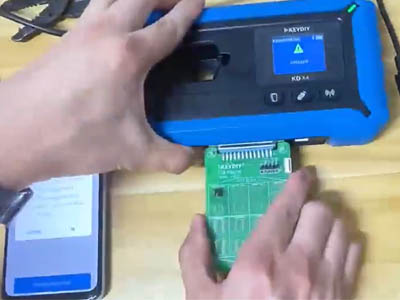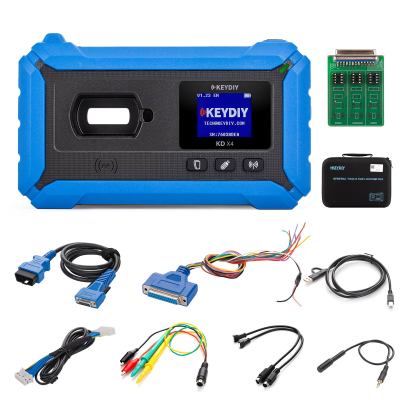
This detailed guide walks you through the entire process of adding a spare remote key for a 2021 Chevrolet Onix with the powerful KEYDIY KD-X4 (5-in-1 Key Programmer). We will use an original factory key alongside a blank KD remote key to demonstrate every step. Thanks to the KD-X4's built‑in CAN FD module, the procedure is straightforward and does not require any external adapters.
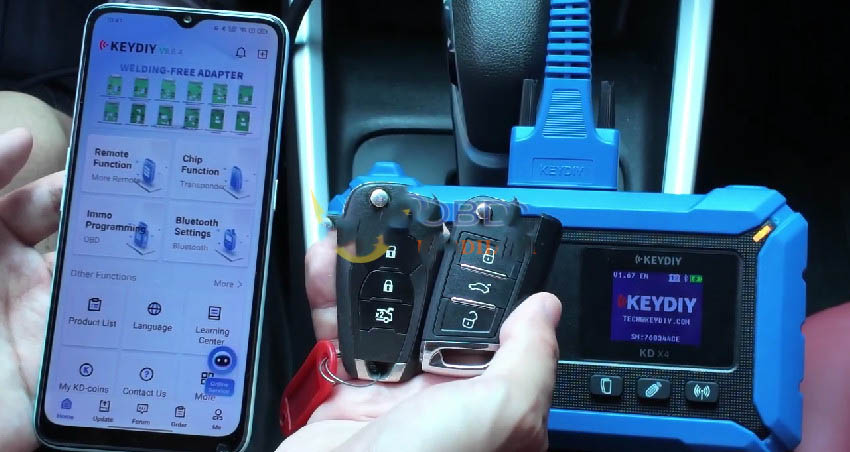
Below is a complete, easy‑to‑follow guide to getting your new spare key programmed and working smoothly.
1. Generate the Blank KD Remote Key
- Place the original factory key on the KD-X4 induction coil. The device will read the transponder chip and test the key frequency.
- Once the tool confirms the frequency is 433 MHz, put your blank KD remote key onto the induction coil.
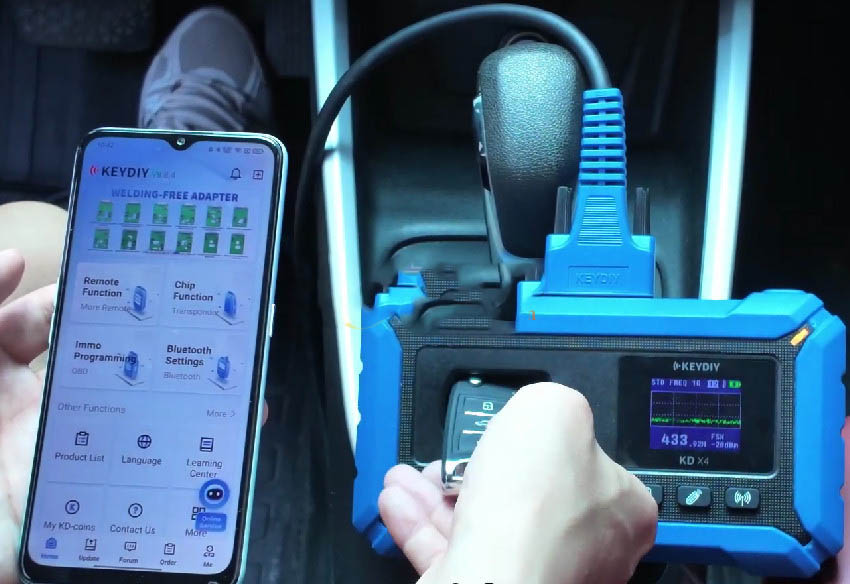
- On the KD-X4 interface, navigate to: Remote Function → Vehicle Remote → CHEVROLET Onix (2019+) Folding ID4A → Generate → Wireless generation.
- (Note: The KEYDIY KD-X4 also supports smart keys – you can simply search by vehicle model if needed.)
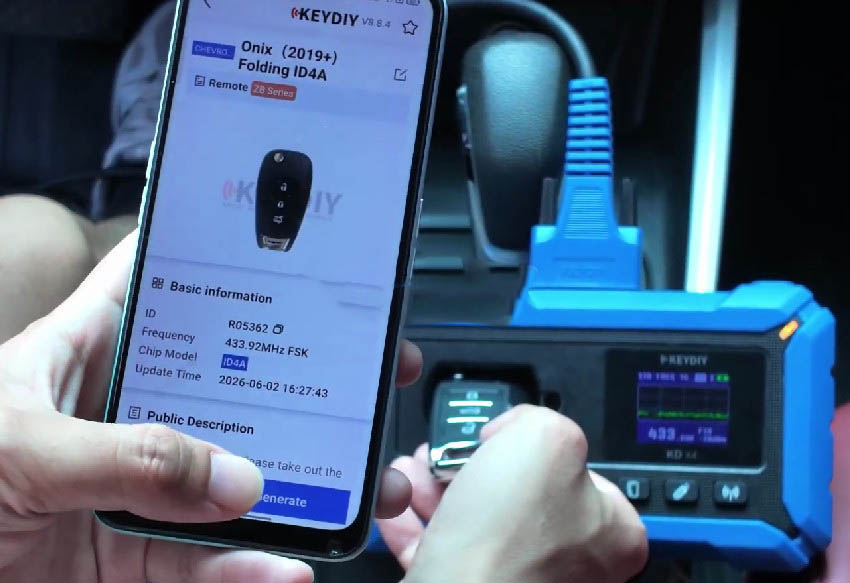
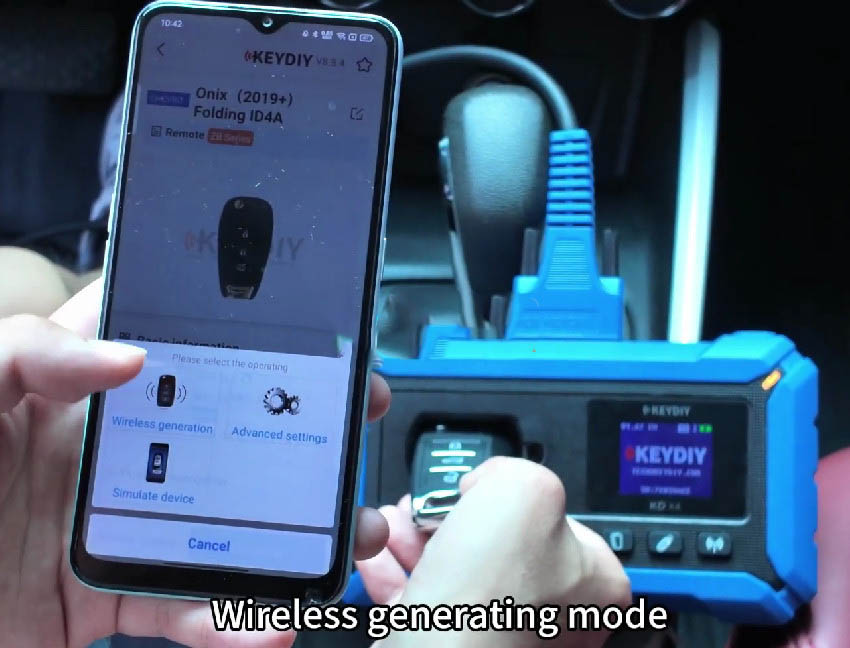
- Wait a few seconds for the wireless generation process to finish. Your KD remote key is now ready for programming.
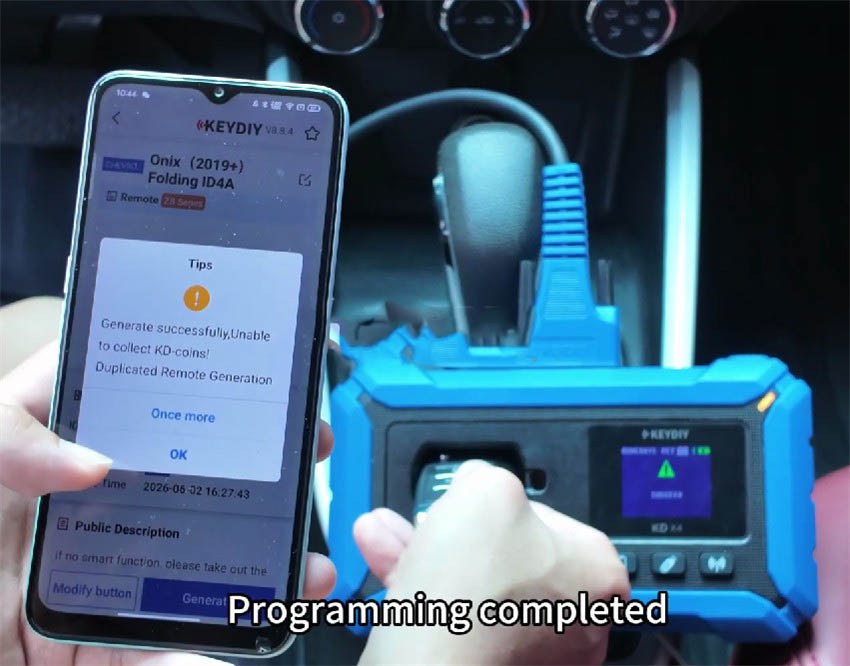
2. Connect to the Vehicle via OBD and Access Immobilizer Menu
- Plug the KEYDIY KD-X4 OBD cable into the vehicle’s diagnostic port.
- KD-X4 Advantage: The 2021 Chevrolet Onix uses the CAN FD communication protocol. Unlike many other programmers that require a separate CAN FD adapter, the KD-X4 features a built-in CAN FD module – no extra accessories needed.
- From the main menu, select: Immo Programming → Chevrolet → Select by vehicle → South America → Onix → 2020‑2023 → Mechanical Key CANFD → TYPE 9 (CAN FD) → Start executing.
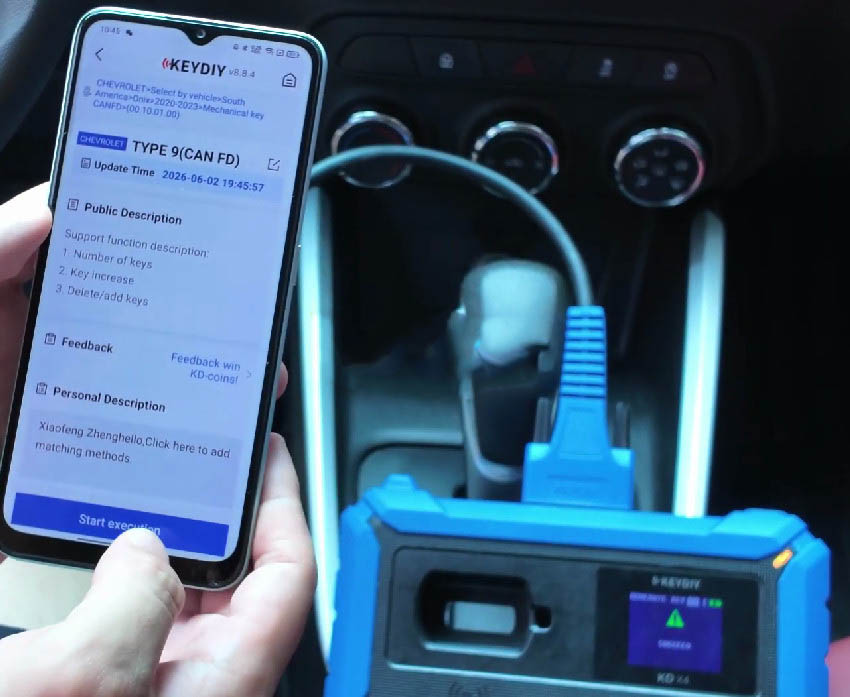
3. Password‑Free Key Matching (No PIN Required)
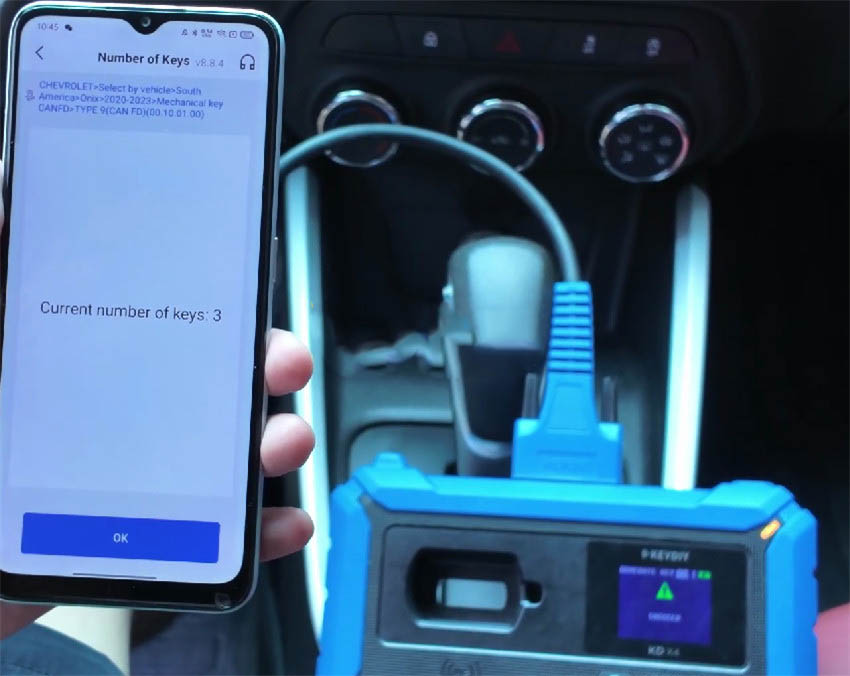
- Select “Number of keys” to see how many keys are currently registered (in our example, the vehicle showed 3 existing keys).
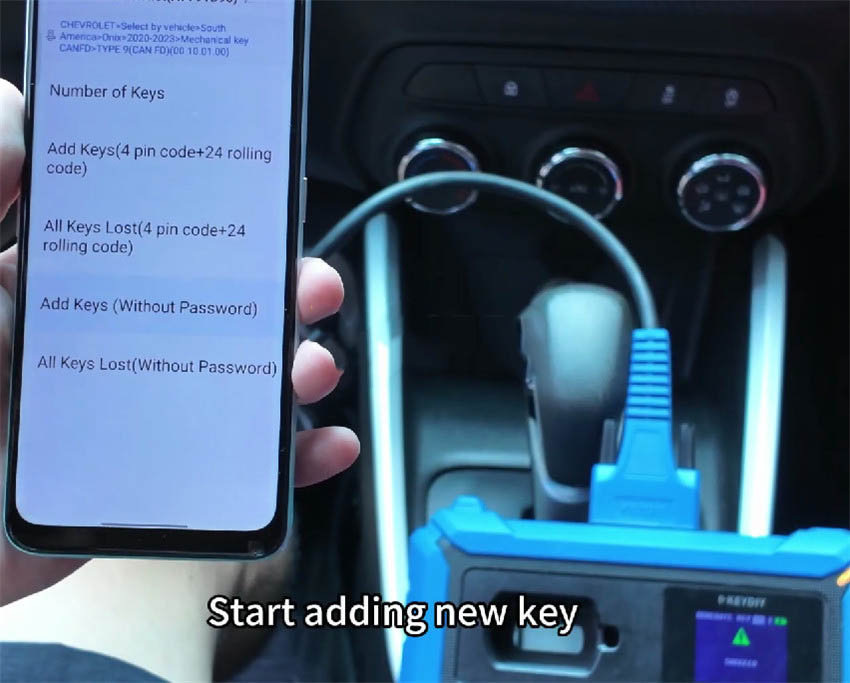
- Pro tip: Skip the first two menu options that ask for a 4‑digit PIN or a 24‑bit rolling code. Instead, focus on the bottom two choices: “Add keys (without password)” and “All Keys Lost (without password)”. These enable password‑free key matching – you don’t need to manually enter any passcode.
- For this demonstration, choose “Add keys (without password)”.
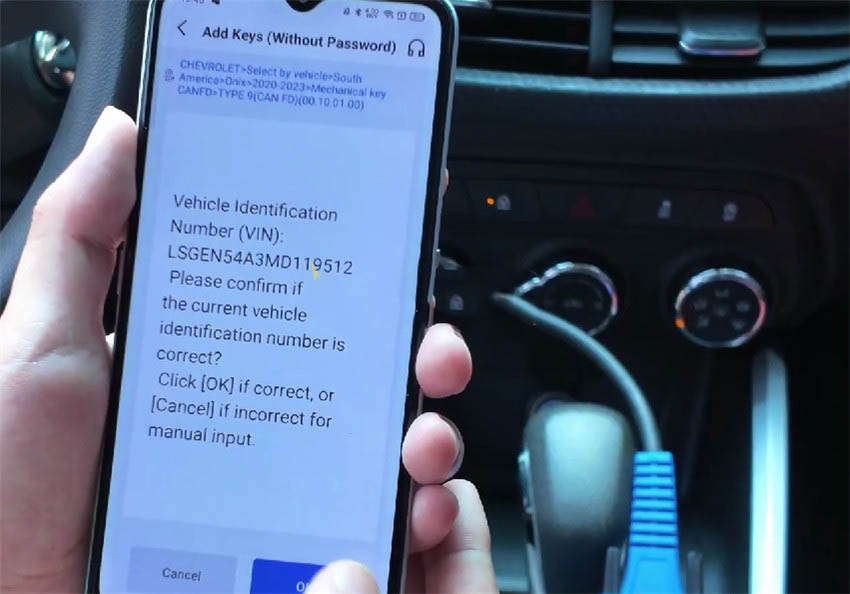
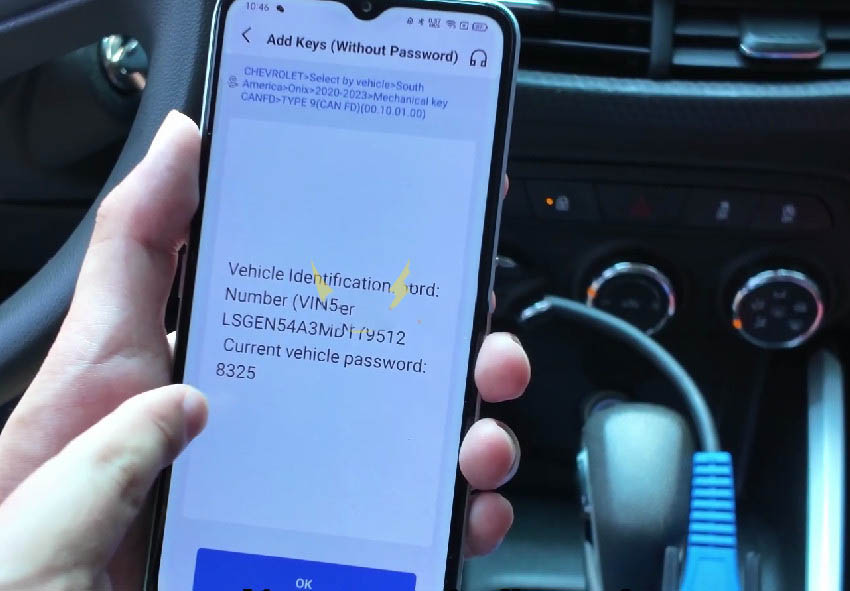
- Turn the ignition switch to the ON position. The KD-X4 will automatically read the vehicle’s VIN and extract the bypass password (example password displayed: 8325). Click OK to continue.
For more technical specs and the full range of KEYDIY KD-X4 features, visit: More KD-X4 Details
4. Finalize the Key Learning Process
- The system will impose a 12‑minute waiting period before starting the matching process. This is a standard security delay.
- Once the countdown finishes, remove the original factory key and insert the newly generated KD remote key into the ignition.
- Watch for the vehicle’s hazard lights to flash – that is your visual confirmation that the key matching was successful.
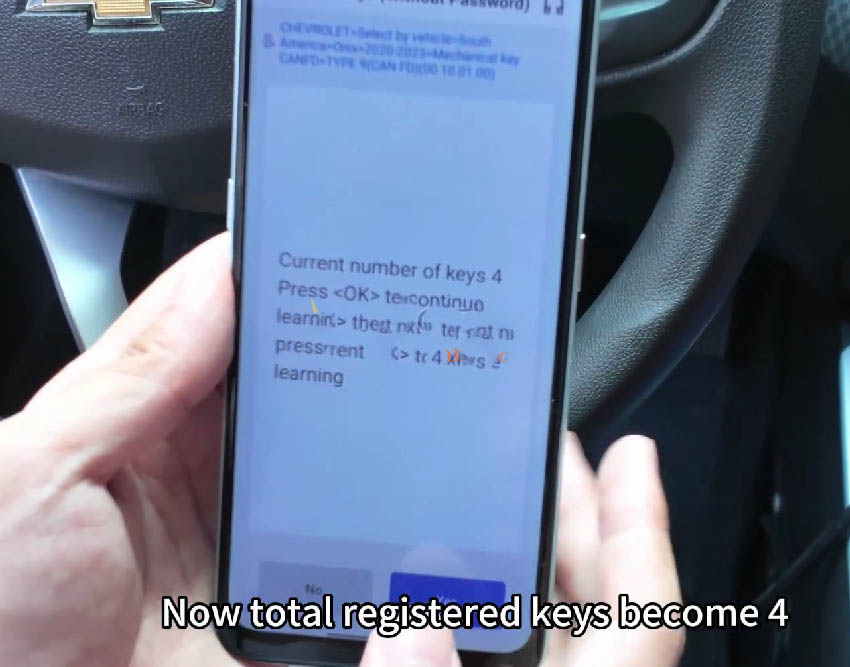
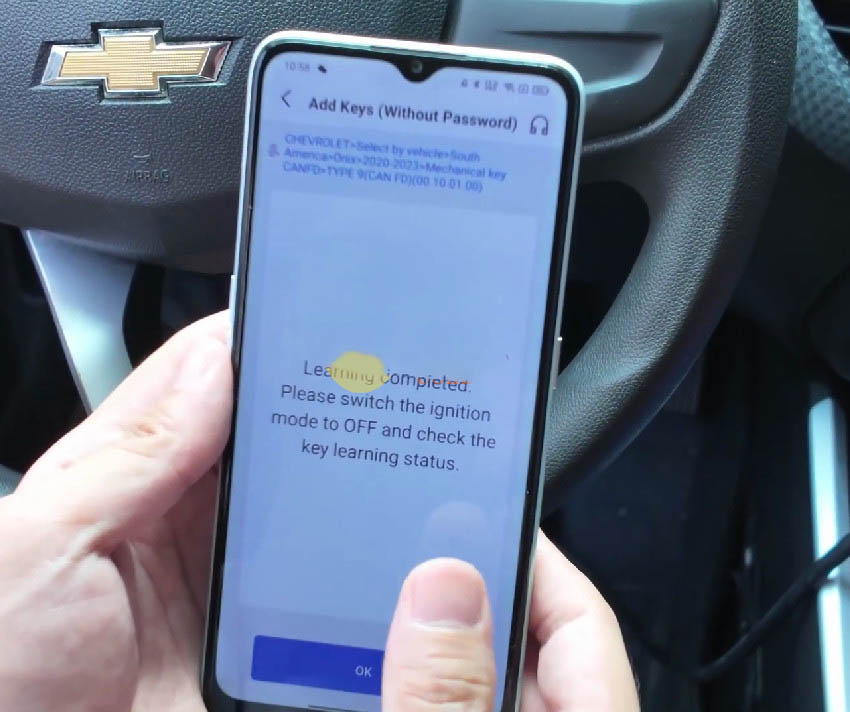
- After a successful match, the tool will show a total of 4 registered keys. Turn the ignition back on to complete the programming cycle.
Wrap‑Up & Test
Turn off the ignition, unplug the KEYDIY KD-X4 programmer, and test your new remote key. All functions should work perfectly. Thanks to the KD-X4’s built‑in CAN FD capabilities and password‑free matching, the whole process is smooth, quick, and adapter‑free. Now you have a fully functional spare key for your 2021 Chevrolet Onix.