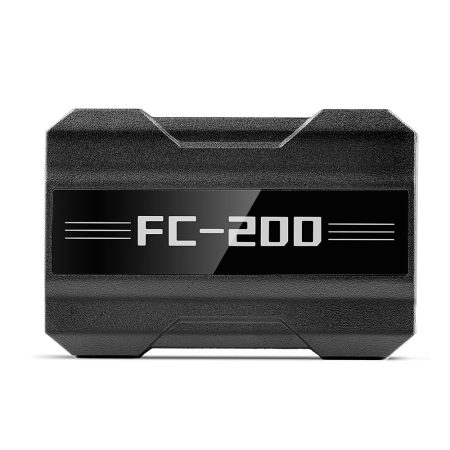
The latest CG FC200 firmware update (version V1.3.5.0) brings major improvements to its J2534 functionality. With this upgrade, the FC200 can act as a replacement PCM host, working seamlessly alongside PCMflash software to read and program multiple vehicle modules.
Required Equipment & Software
Before starting, make sure you have the following items ready:
- CG FC200 hardware interface
- FC200 software – version 1.3.5.0 or newer
- PCMflash software (either original or clone version)
- PCMflash dongle and its corresponding drivers
Important: CG does not supply PCMflash software, the dongle, or drivers. These must be obtained independently from their respective sources.
Step‑by‑Step Operation Guide
1. Install and Configure FC200 Software
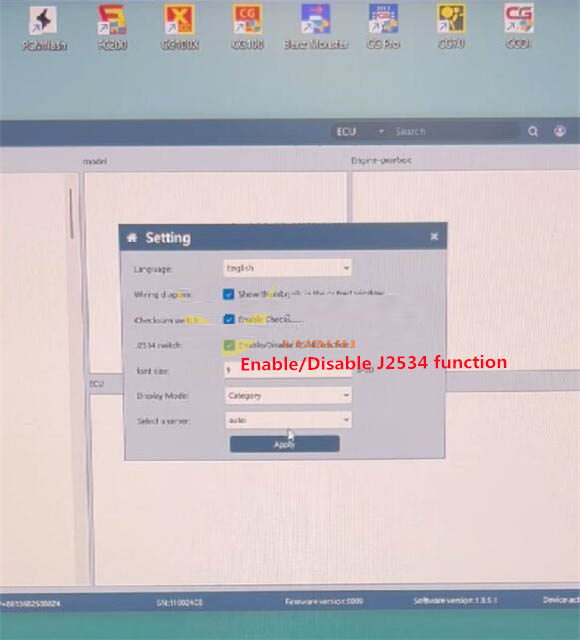
Download the free FC200 V1.3.5.0 application. Connect your FC200 device to a computer via USB cable, then launch the software. Navigate to Setting → Enable/Disable J2534 function, then click “Apply” to activate the J2534 pass‑through mode.
2. Hardware Connection
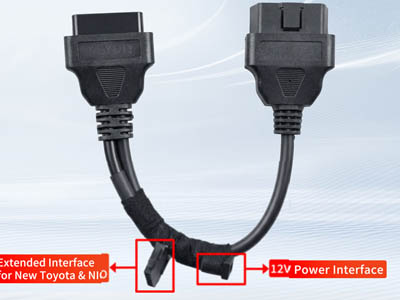
Using the FC200 adapter cable, properly connect the CG FC200 ECU programmer to the target ECU module. Power up the FC200 unit, and insert the PCMflash dongle into an available USB port on your PC.
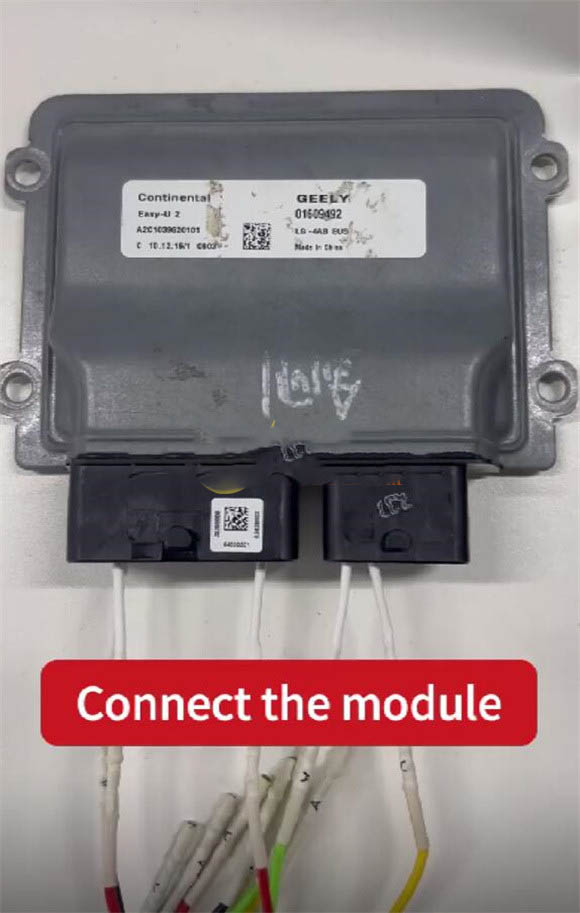
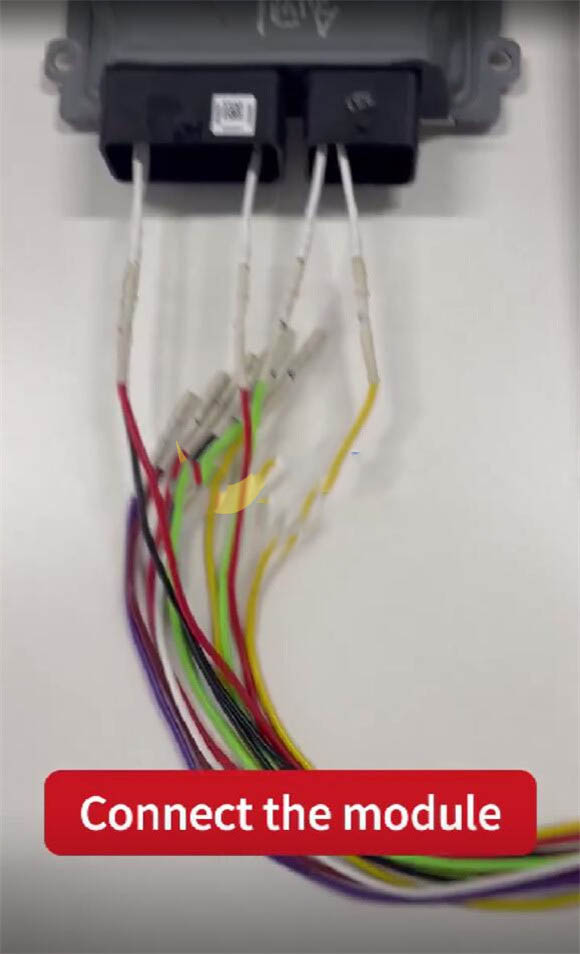
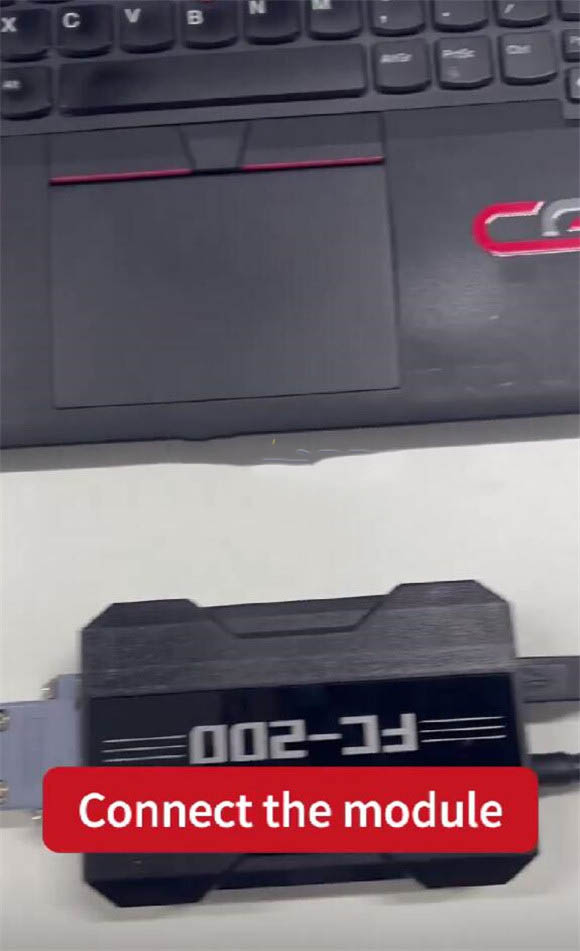
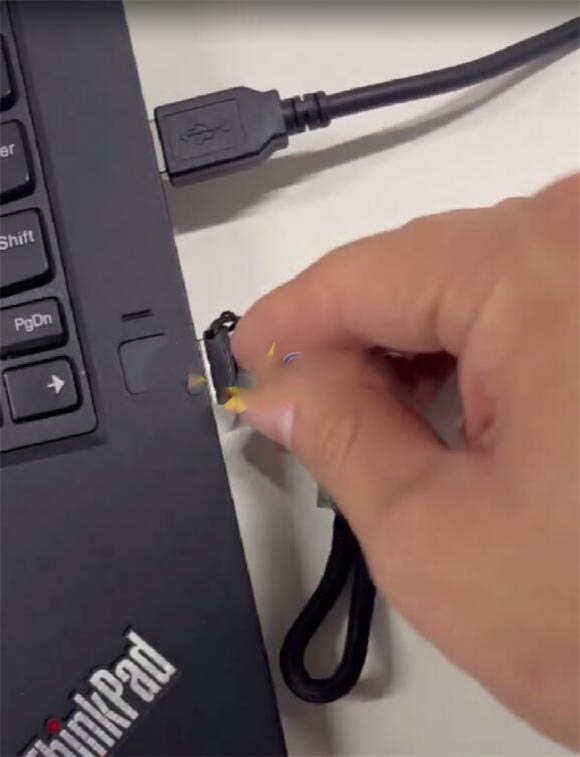
3. Perform J2534 Operations in PCMflash
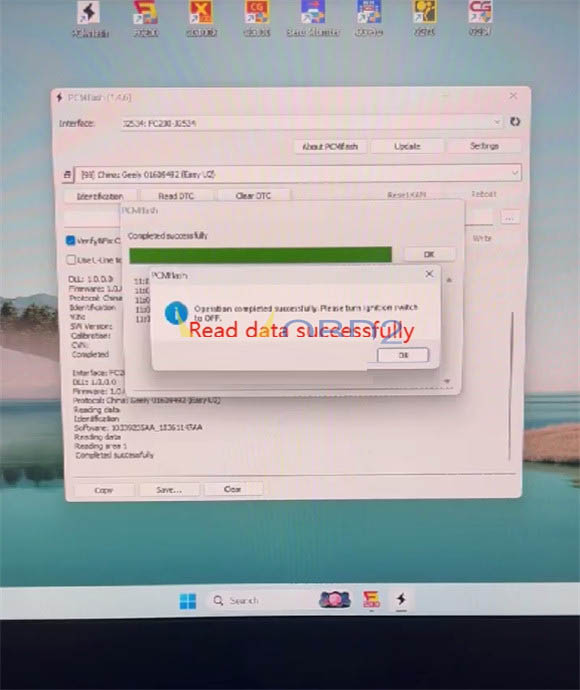
Launch PCMflash software. Choose the J2534 connection type from the interface options. Click on “Identification” to read ECU information and verify communication.
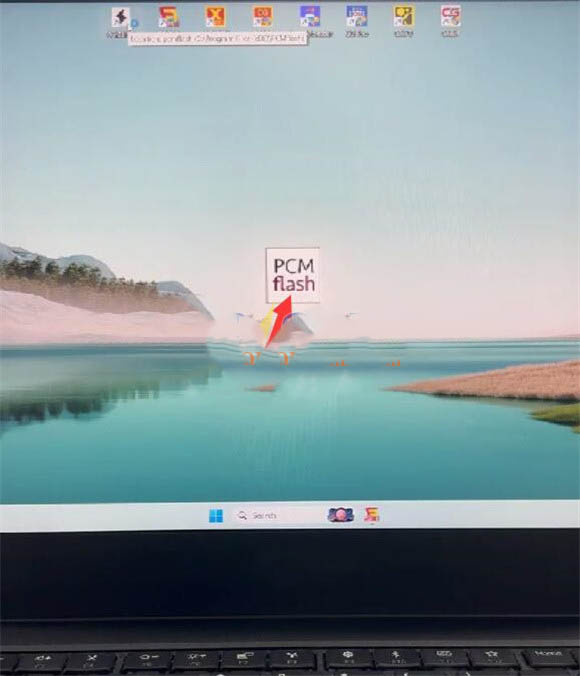
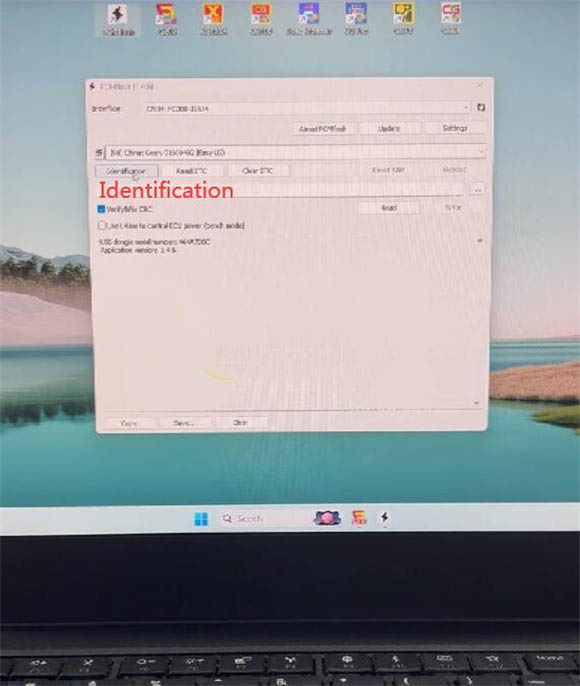
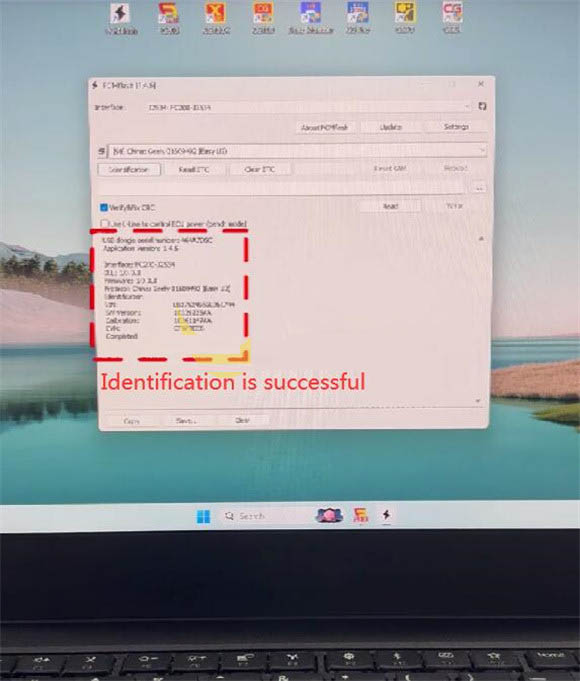
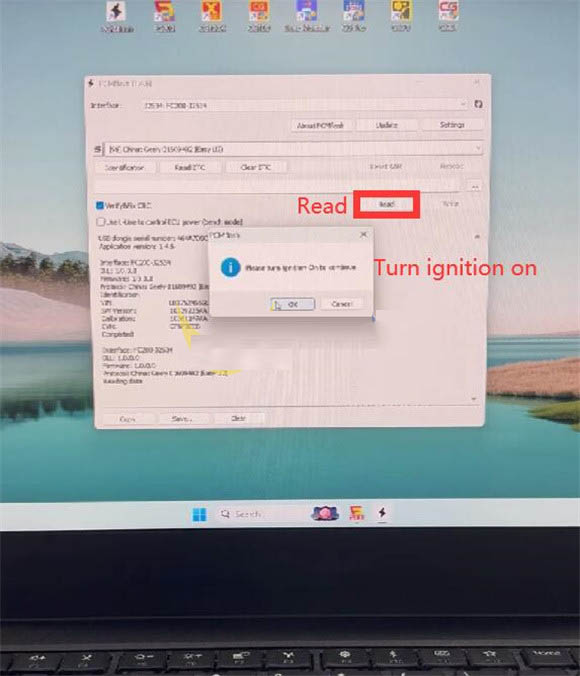
After successful identification, click “Read” to begin reading data from the ECU. Turn the ignition ON when prompted, and allow the reading process to finish without interruption.
Important Note on OBD Support
Reading data through the OBD port is supported, but this feature is limited to vehicles that come factory‑equipped with an OBD connector. Always verify vehicle compatibility before starting any programming session.