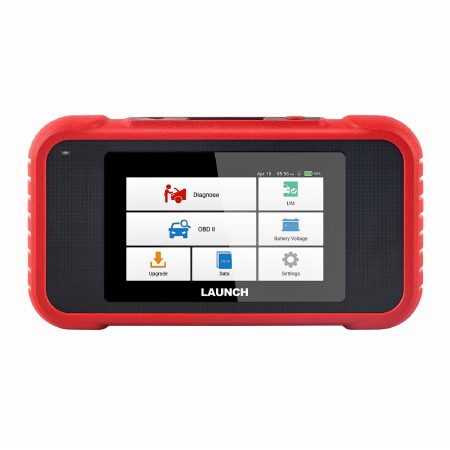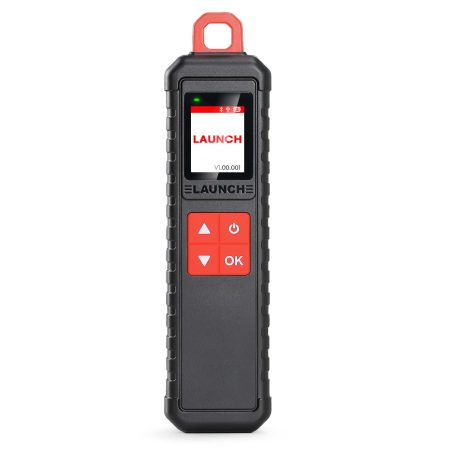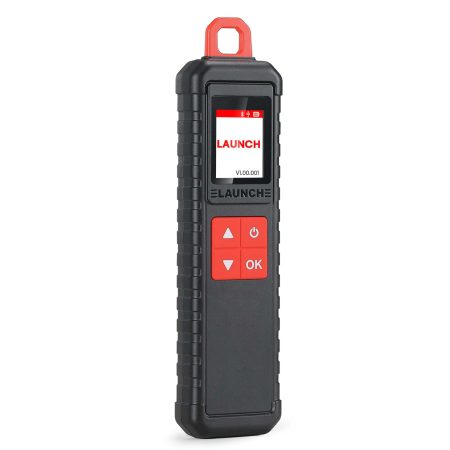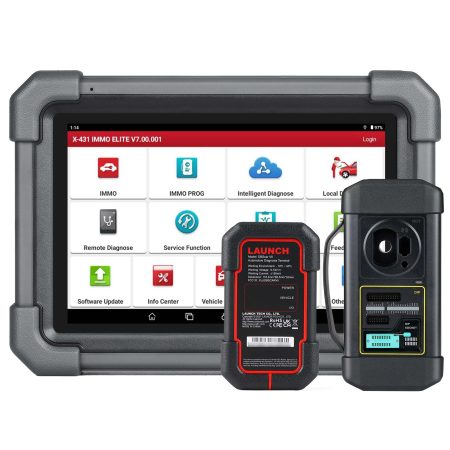
One Year Online Update Service for B-BOX HD for PAD/PRO SmartLink Series and X-431 SmartLink C HD V2.0 PRO3 Series Expanded Commercial Module
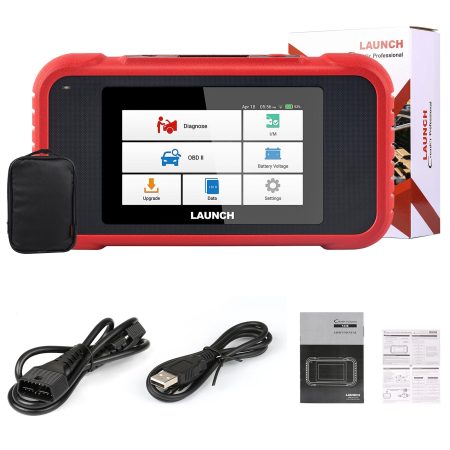
If you want to update your Launch Heavy Duty Annual Subscription after the one-year/2 years free update service expired, you can buy this service to extend another one year free update.
Note:
1. Before You purchase the update service, please provide the serial number for confirm if we can help to provide the update service first.
Because the devices which were brought from overseas dealer can not be provided update service.
2. It is 1 Year Update Service
3. Very easy to operate, no need shipping
4. Suitable for B-BOX PAD Series and X-431 SmartLink C HD V2.0 Expanded Commercial Vehicles Software Update Subscription.
5. It will take 1-2 days for the Launch technician to do the update service
1) With X431 Smartlink C V2.0.
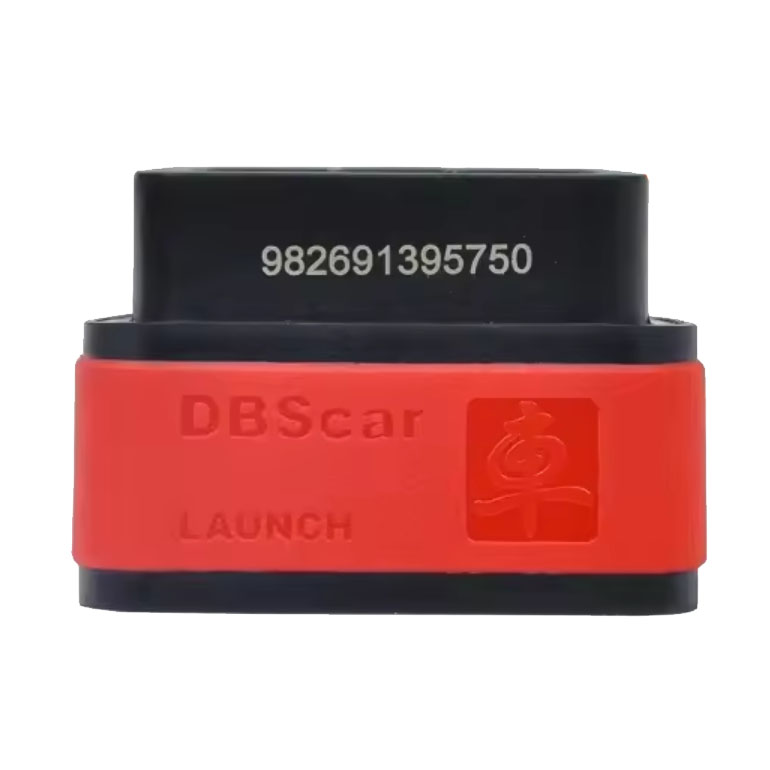
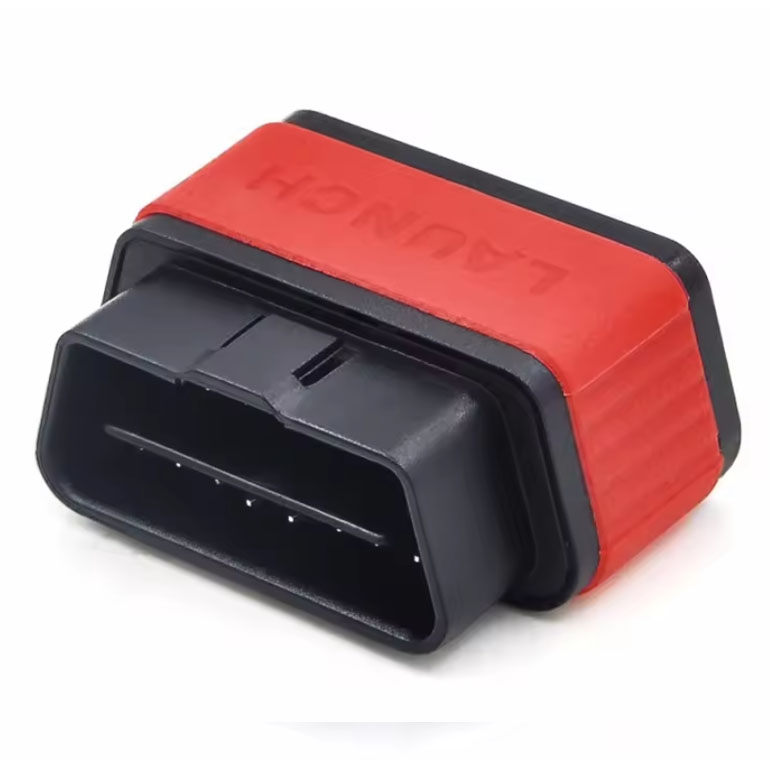
X431 Pro 10-inch Series, scanner with DBSCar 7 as VCI:
Launch X431 V+ V5.0
Launch Pro3S+ V5.0
Launch X431 PRO3 APEX
Launch X431 Pro3 ACE
2) With B-BOX HD module PAD/PRO Series.
Scanner with Smartlink as VCI:
LAUNCH X431 PRO3 V+ 5.0 Elite
LAUNCH X431 PRO3S+ Elite
Launch X431 Pro5 Smartlink
Launch X431 PAD V Elite
Launch X431 PAD VII Elite
How to get the Heavy Duty Truck Software License?
1. After you place an order on our website and check out, please provide us your device serial number.
2. We will open one year update authorization for you.
3. The Launch technician will open the update service online, no need shipment.
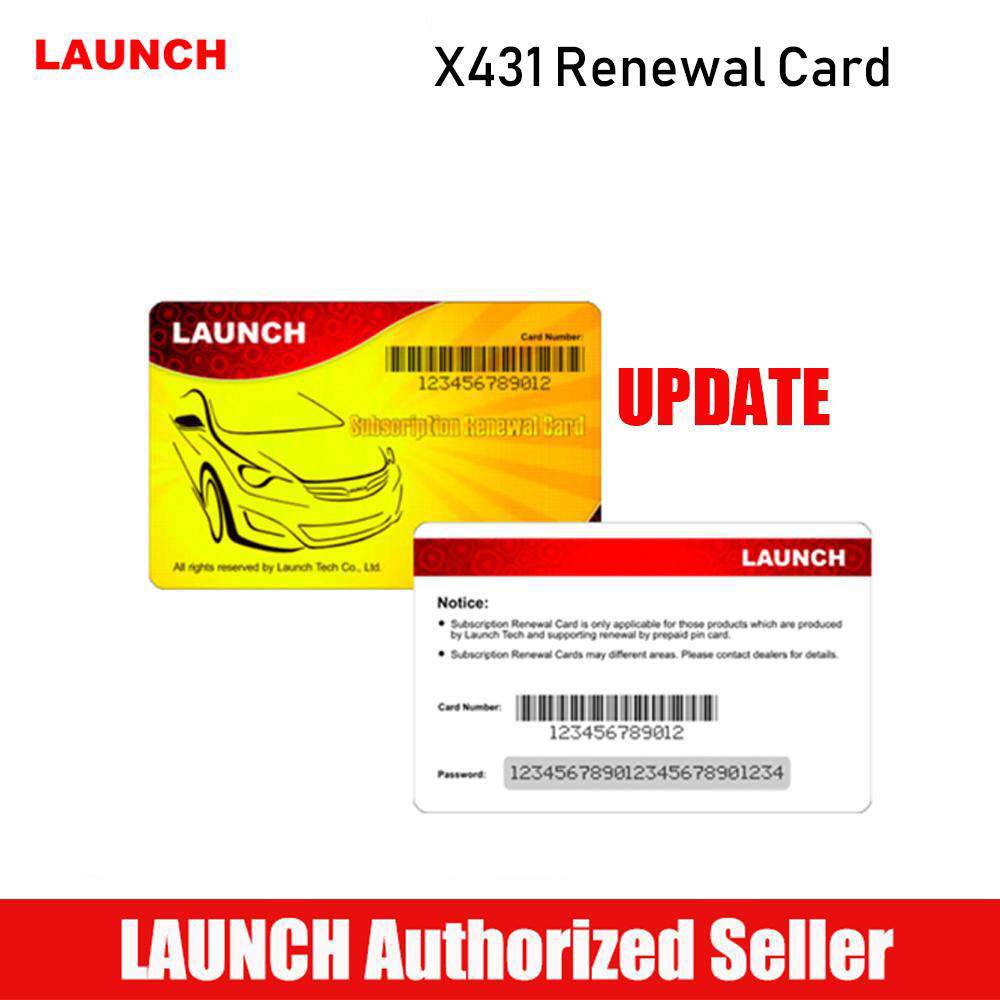
4. We will send Subscription Renewal Card with Card Number and Password to you by email.
How to activate the Launch X431 Heavy Duty Renewal Card?
1. Tap the application icon on the home screen to launch it.
2. Tap "Login" on the upper right corner of screen to log in the system (Note: Please make sure the tool has a strong Wi-Fi connection).
3. Tap and select "Update" to enter the update center.
4. Tap "Renewal" on the update page to activate Subscription Renewal Card. (Note: "Renewal" button will be showed only when the subscription has expired.)
5. Input the password of Subscription Renewal Card (24-digit numbers) and then tap "Confirm" to finish the transaction (The order can be viewed by tapping "Profile"->"My order").