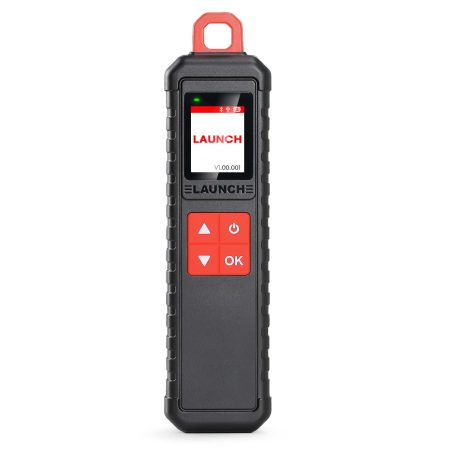
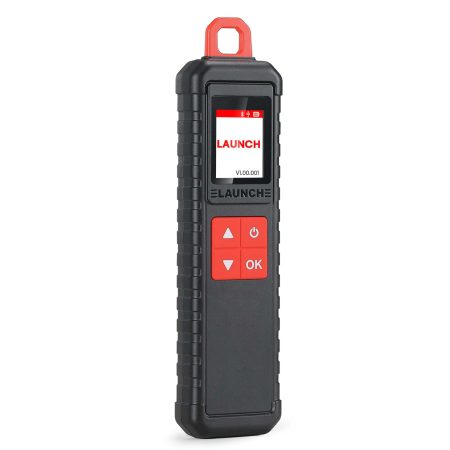
LAUNCH Creader CR329 Passenger Car Scan Tool
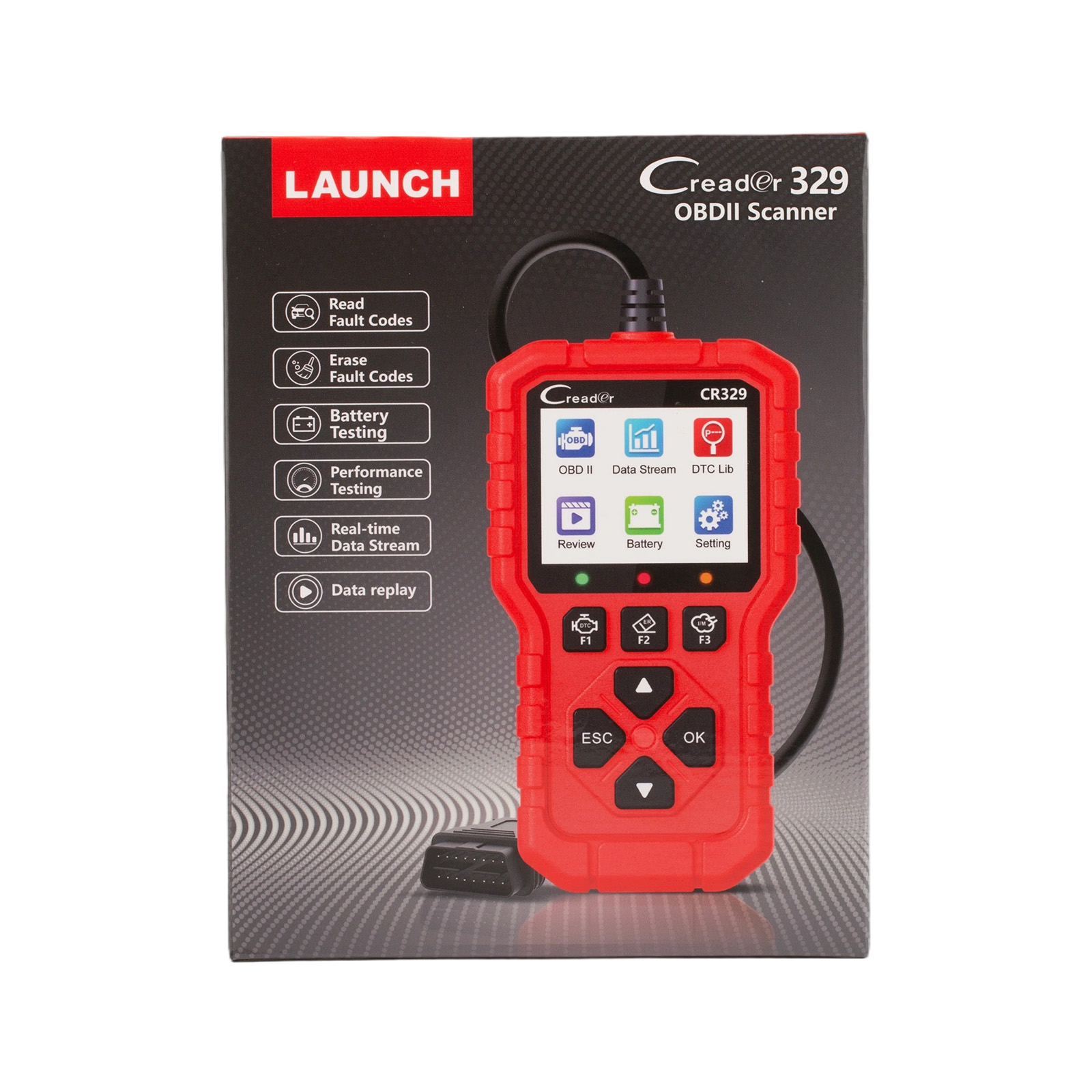
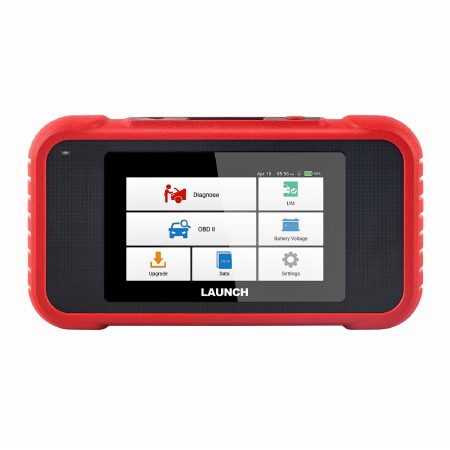
LAUNCH Creader CR329 is a code reader tool based on a single-chip microcomputer platform. It offers full OBD diagnostics tailored for the passenger car DIY market. Equipped with a 2.8-inch high-definition color screen and indicator lights, it supports 10 OBD diagnostic modes, detailed trouble code and data stream display, real-time graphing, data playback, battery voltage testing, cloud printing, quick lookup, and specific trouble code search.
It supports the ISO15765, ISO9141, ISO-14230, and SAE J1850 protocols.
Product Function Display:
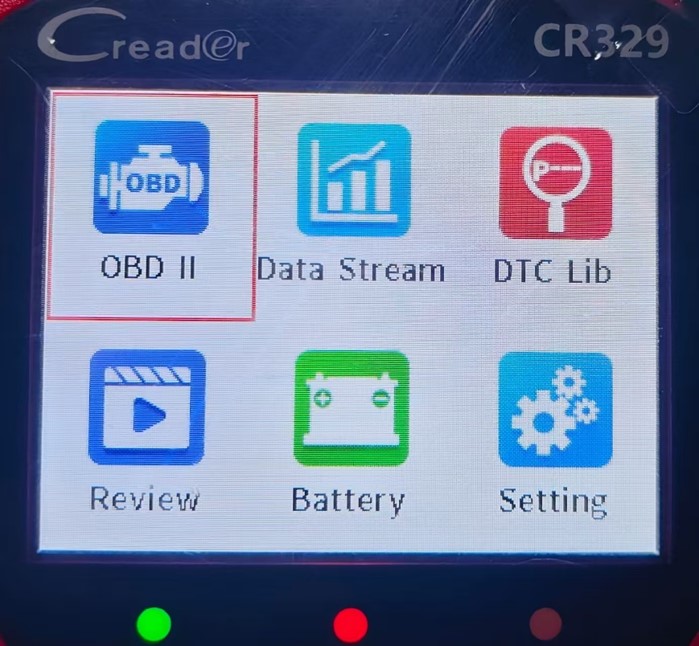
Main Interface:
OBD II(Vehicle diagnostic system)
Data Stream
DTC Lib(DTC Library)
Review
Battery(Battery testing)
Setting
OBD II-Vehicle Diagnostic System Function Display:
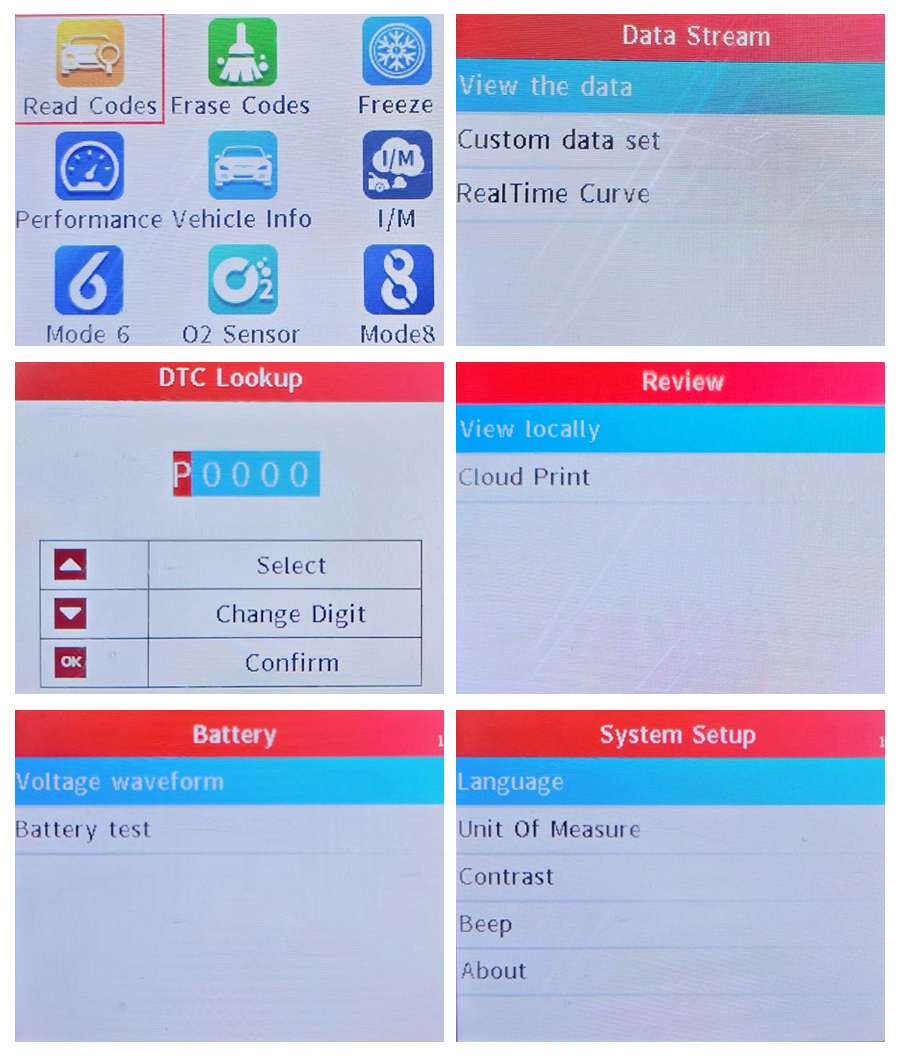
Read Codes, Erase Codes, Freeze, Performance, Vehicle Info, I/M, Mode 6, O2 Sensor, Mode 8
Data Stream:
View the Data – Display single data stream as curve
Custom Data Set – Filter data stream items
Real Time Curve – Select two data streams to display curve
DTC Lib:
One-Click Precise Diagnosis · Trouble Code Lookup · Extensive DTC Database
Supports Multiple Languages: English, French, Spanish, German
Enter Trouble Code → 2. Adjust Characters as Prompted → 3. Press [OK] to Confirm Query
Review
View Locally – Supports viewing fault data from the last detection and allows preview before printing.
Cloud Print – Print via QR code
Battery
Voltage Waveform – A graphical representation of voltage changes over time.
Battery Test – Detects battery performance via voltage measurement.
System Setup:
1. Language
Supports 10 languages: English, French, Spanish, German, Italian, Russian, Portuguese, Polish, Dutch, and Japanese.
2. Unit Of Measure
Allows flexible unit settings to ensure data is displayed in a format familiar to the user.
3. Contrast
Contrast refers to the difference in brightness between the brightest and darkest areas on the screen.
High contrast: Images appear sharper with distinct blacks and whites.
Low contrast: The screen may look hazy with blurred details.
Adjust contrast using the Up and Down button.
4. Beep
The device includes a buzzer, which can be turned ON or OFF.
5. About
Displays the device version number.
 How to Use?
Connection Steps:
1. Turn off the ignition switch and ensure the vehicle is in a safe condition.
2. Locate the DLC (Data Link Connector), usually found below the steering wheel or on the driver-side dashboard.
3. Connect the diagnostic cable to the vehicle's DLC interface.
4. Turn on the ignition switch (the engine may remain off or running). The device will automatically launch the diagnostic system
Diagnostic Procedure:
1. Connect the Device: Turn on the ignition after connecting to the DLC, and the device will automatically start up.
2. Access the Main Interface: Once the system identifies the vehicle, you will enter the main function screen.
3. Select a Function: Choose the required function, such as trouble code inquiry, data playback, or auxiliary functions.
4. Follow On-screen Prompts: Complete the detection by following the guidance on the screen—simple and efficient.
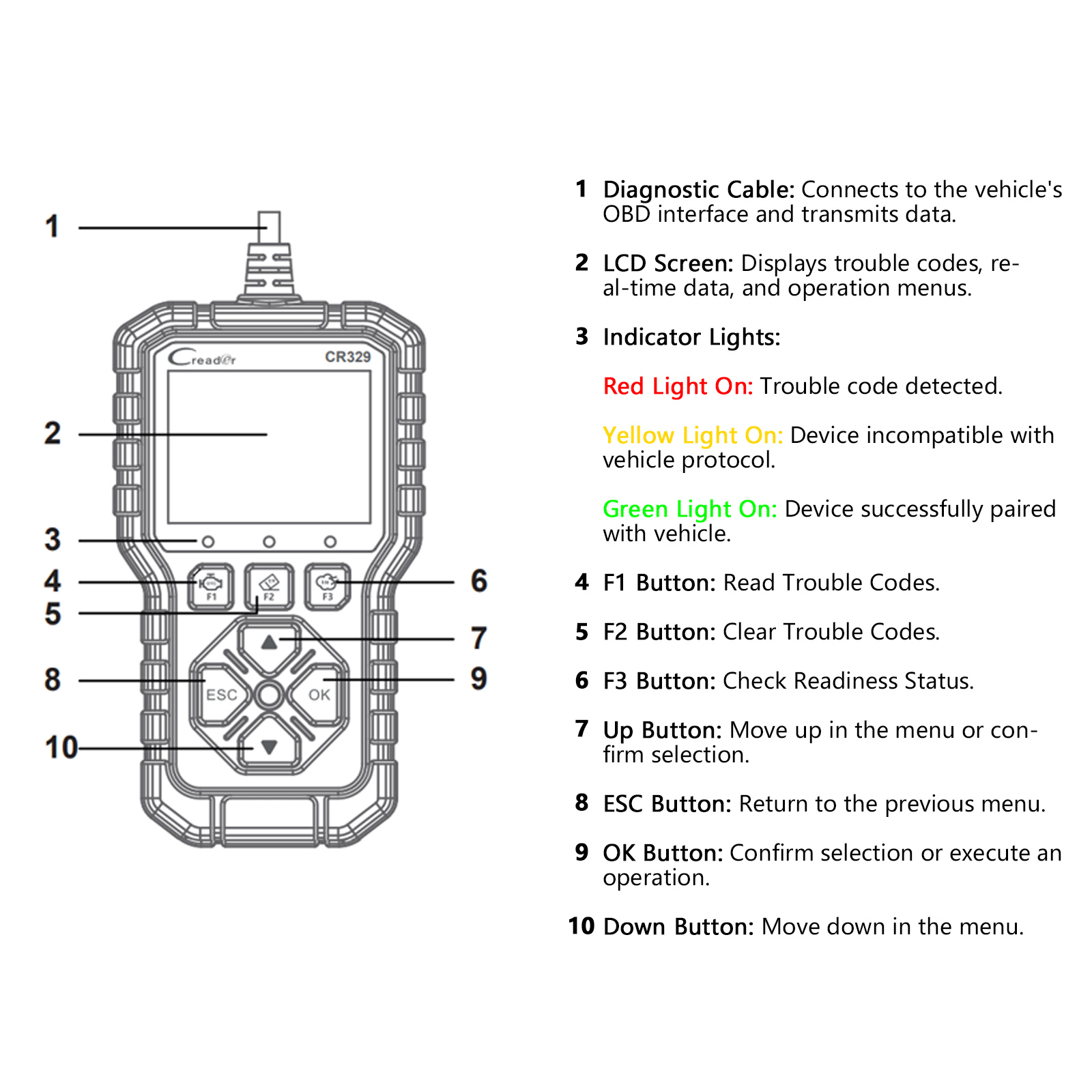
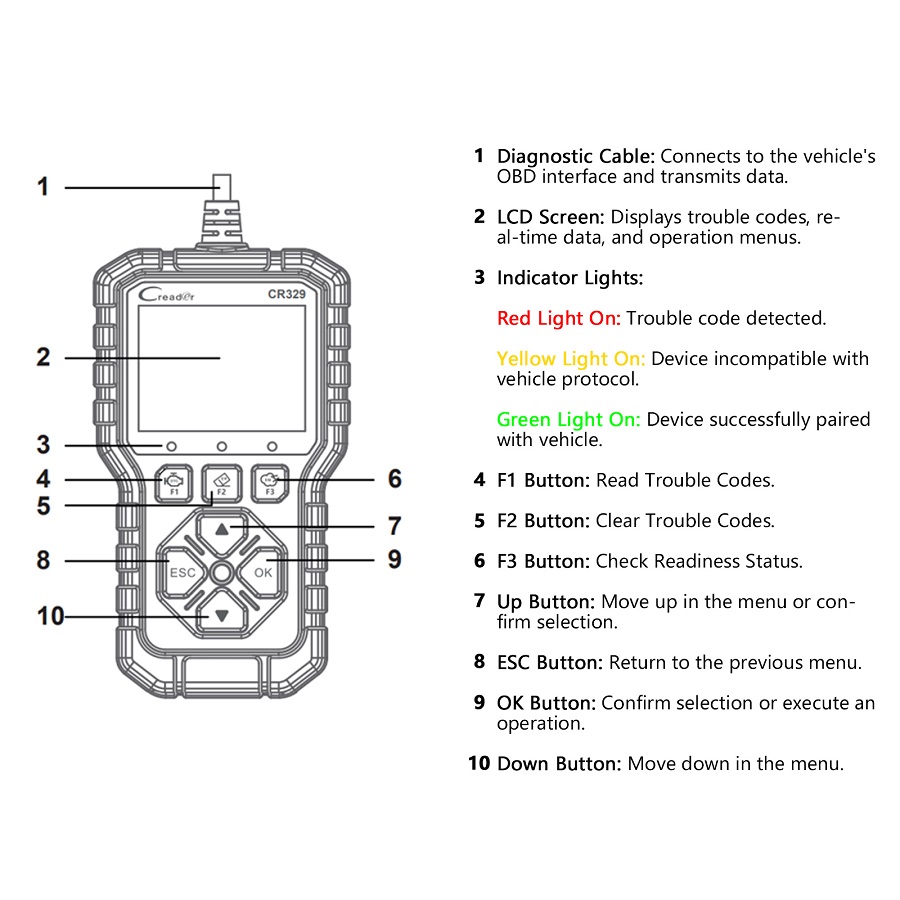
Product Structure:
 Product Specifications:
Screen: 2.8inch
Storage: 32Mbit Flash
Working temperature: 0℃~50℃
Voltage: 12V
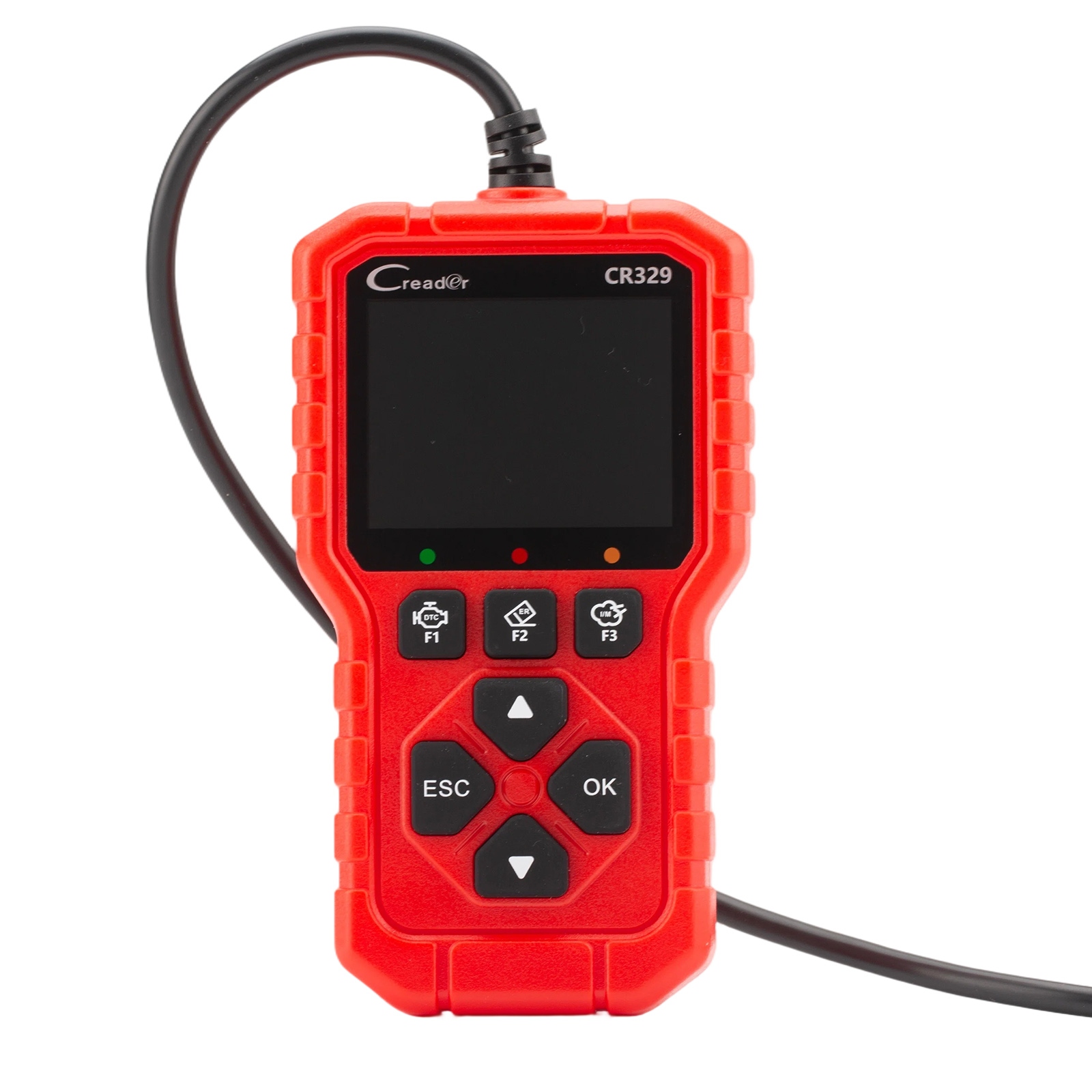
Buttons: Up,Down,OK,ESC,F1 (Read DTCs),F2 (Clear DTCs), F3 (I/M Readiness Status)
Certificates: CE, FCC, IC, ROHS
Languages: 10 languages – English, French, Spanish, German, Italian, Russian, Portuguese, Polish, Dutch, Japanese.
Size: 160*90*28mm
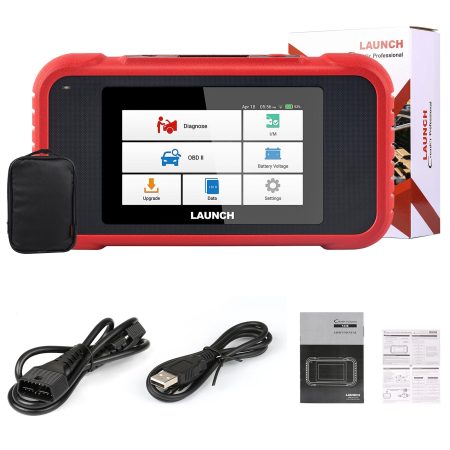
Package includes:
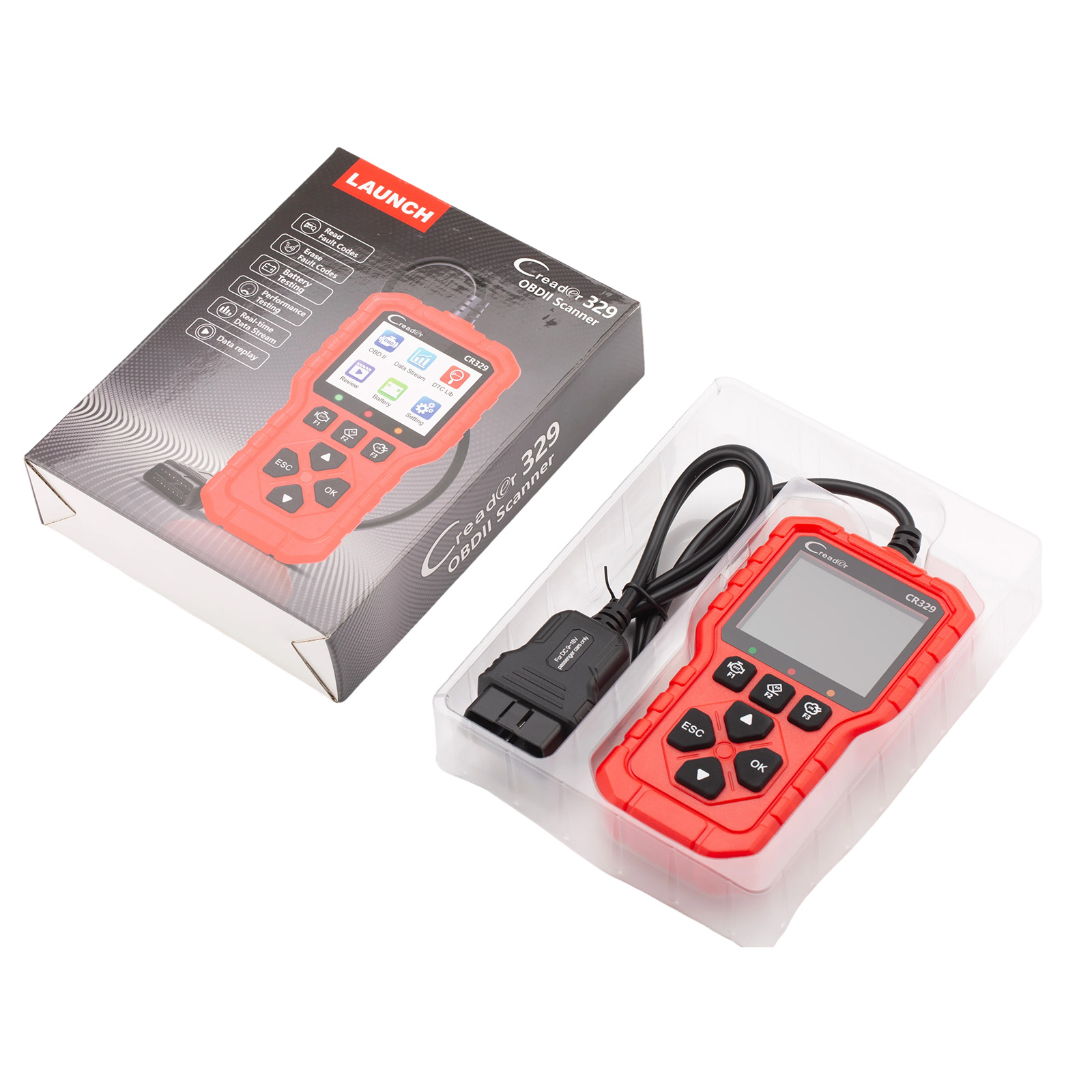
1pc x Main Unit with Diagnostic Cable
1pc x Quick Start Guide
1pc x GPSR
1pc x Desiccant